Make the Logo Shop at a glance
The Make the Logo Shop is the place to spend Cash on room furniture and change how your space looks. The currently supported records center on chairs: Pink Chair, Red Chair, and Cat Chair. A table is also mentioned in gameplay, but the available record does not confirm a purchasable table catalog or a price.
Treat the Shop as a customization system rather than a way to improve logo rounds. The available records show furniture changing the room's appearance; they do not show a chair increasing Match Score, Hearts, Win Streak, round cash, or any other competitive result. Earn Cash through logo rounds, then use the Shop when you want a different room style.
Furniture currently associated with the Shop
The table below separates confirmed furniture names from details that remain uncertain. “Recorded price” means a value heard in gameplay, not a guaranteed current listing. Check the live Shop panel before saving for an item because prices and availability can change.
| Furniture | Type | Recorded Shop action | Recorded price | What it changes |
|---|---|---|---|---|
| Pink Chair | Chair | Claim or receive, then equip | - | Chair appearance and room decoration |
| Red Chair | Chair | Buy with Cash | 50,000 mentioned in gameplay; confirm in game | Chair appearance and room decoration |
| Cat Chair | Chair | Purchase or claim status not fully established | About 100 million mentioned in gameplay; confirm in game | Chair appearance and room decoration |
| Table | Table | Player asked about buying a new one; purchase not confirmed | - | No confirmed listing or effect |
This is not a complete Shop inventory. The available public records do not provide a full item list, item IDs, resale rules, duplicate-purchase rules, upgrade tiers, or a permanent furniture catalog. Use the table as a starting reference for the names that have been observed, not as proof that every account sees the same inventory.
Pink Chair: claim, then equip
Pink Chair has the clearest recorded Shop flow. Gameplay shows a “Claim Pink Chair” prompt, followed by the player equipping it and using it as room decoration. A separate gameplay record describes receiving a Pink Chair after a secret-chair activity. These records support the item name and the claim/equip outcome, but they do not establish one universal unlock condition for every player.
If the current game shows a claim button, use that button first and then look for the furniture equip action. Do not assume that every item in the Shop can be claimed for free simply because Pink Chair appears with a claim prompt. The evidence does not confirm whether the Pink Chair claim is a one-time activity, a limited reward, or a general Shop option.
The important player-facing result is that equipping the chair changes the room's visible furniture. It is cosmetic in the available records. Nothing shows it changing the logo target, drawing pieces, opponent progress, Match Score, Hearts, or the Cash payout for a round.
Claim and equip Shop chairs
These moments show the Pink Chair claim and equip flow, along with the Cat Chair and Red Chair price comparison described in this Shop section.

Red Chair: Cash purchase with a mutable price
Red Chair is described as a Cash purchase. In one gameplay segment, the player checks the Shop after accumulating Cash, says they have enough money, and chooses the red chair because red is their favorite color. The same segment is associated with a price of 50,000, but that number comes from a single video record and is not independently confirmed by a Shop catalog.
Use 50,000 as a historical or observed reference only. Before planning how many rounds to win, open the current Shop and read the price shown there. If the live panel differs, the live panel should control your decision. A changed price could reflect an update, a transcription error, a different item state, or a different context; the available records do not distinguish among those explanations.
The Red Chair purchase is useful as an example of the Cash loop: win logo rounds, accumulate Cash, open the Shop, and spend that Cash on a visual item. It is not evidence that Cash purchases unlock stronger drawing tools. The Shop and the round systems should be treated as separate choices: Cash can fund customization, while logo performance determines the round outcome.
Cat Chair: verify the large number in-game
Cat Chair is another named chair in the available records. Gameplay compares it with the Red Chair and describes the Cat Chair as costing about 100 million. The wording and amount are not supported by a second catalog or an official item page, so the number may reflect automatic-transcript uncertainty or a context that is not visible in the transcript alone.
Do not treat “about 100 million” as a guaranteed current price. If Cat Chair appears in your Shop, read its displayed price and availability directly. If it does not appear, do not infer that it is permanently removed or that you have missed a requirement: the supplied records do not document the item's unlock rule, purchase success, or whether the item is available to all players.
Cat Chair is still useful as a decision reference. If the current panel shows a very high Cash requirement, it may be a longer-term decoration goal rather than an immediate purchase. If the panel shows a different value, use that value instead of the recorded estimate. In either case, the supported purpose remains room appearance, not an advantage in logo matching.
What is known about tables
A player asks whether a new table can be bought because they do not like the existing table. That establishes a furniture-related question, not a confirmed table product. The record does not show a successful table purchase, a named table variant, a price, or an equip result.
Check Cash and table availability in the Shop
This moment supports the section's distinction between having enough Cash for the Red Chair and only asking whether a new table can be purchased.
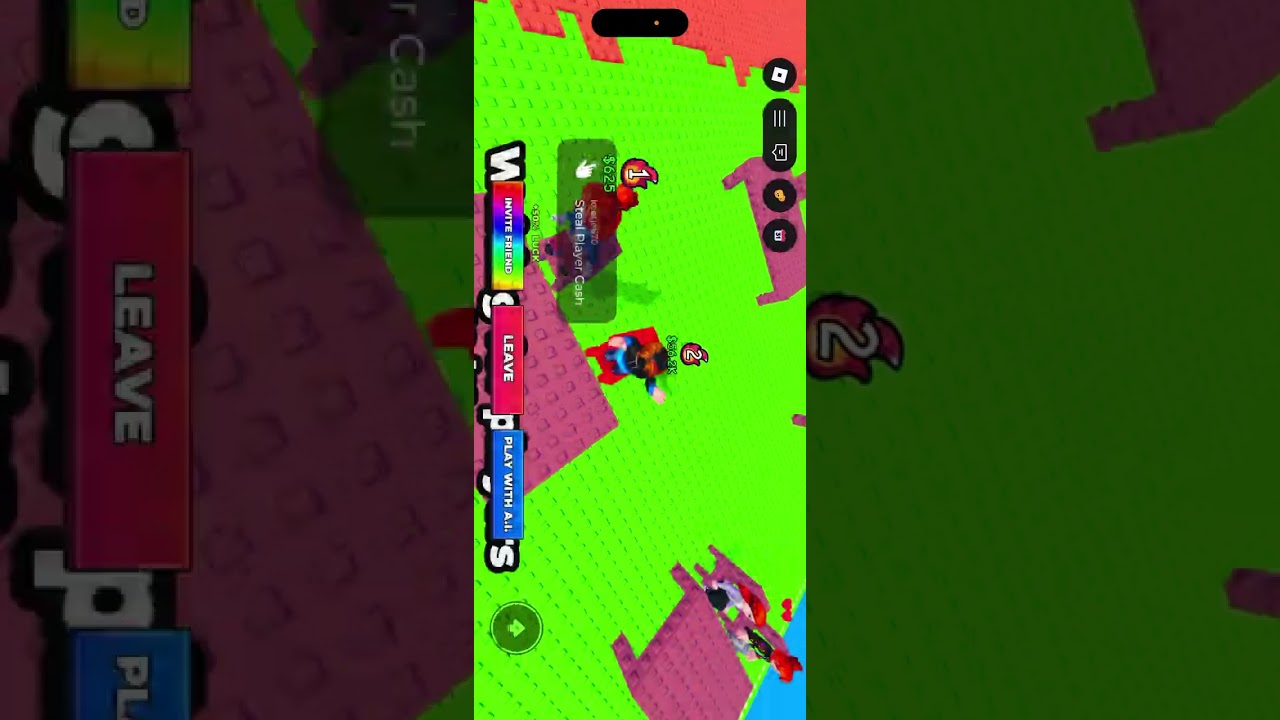
For that reason, do not budget Cash for a particular table or assume that a table menu is available. Check whether the current Shop exposes a Table category or a selectable table item. If it does, use the current listing for the name, price, and action. If it does not, the available evidence cannot explain whether the table is locked, decorative scenery, not yet implemented, or simply absent from that player's Shop view.
This distinction matters because furniture conversations can sound like a catalog even when a player is only asking about a feature. Pink Chair has a recorded claim-and-equip sequence; Red Chair has a recorded purchase intention; Table has only a purchase question. These are different evidence states and should not be treated as equal confirmations.
How Cash connects to the Shop
Cash is the main resource tied to the documented furniture purchases. A typical supported route is:
- Enter a logo round and try to reproduce the target logo accurately.
- Win the round and receive the payout shown for that round or mode. Recorded gameplay includes examples such as
$100and$1,000, but those examples do not establish one universal payout. - Open the Shop after the Cash is credited and inspect the furniture listing.
- Compare the displayed price with your balance. Choose a purchase only when the current listing and the required amount are clear.
- After a claim or purchase, use the equip action if the Shop or room interface provides one, then check the room to confirm the visual change.
This route avoids mixing currencies. The records connect Cash with furniture purchases. Robux and Roll Bucks are discussed elsewhere as round-related resources, but there is no supported evidence that either currency directly buys the listed furniture. Do not convert a Robux price, a Roll Bucks cost, or a round payout into a Shop price unless the current game explicitly does so.
Choosing what to buy first
Choose Pink Chair first when the current game offers a claim prompt or when you want to test the equip flow without relying on an unconfirmed price. Its recorded sequence makes it the clearest item for learning how furniture appears in the room.
Choose Red Chair when the live Shop shows a Cash requirement you can comfortably meet and you prefer the red appearance. The observed 50,000 value is a planning hint, not a promise. Keep enough Cash for your own goals rather than spending solely because a video showed a purchase.
Treat Cat Chair as a long-term option until its current price is visible. The recorded “about 100 million” value is especially unsuitable for exact budgeting. Verify the number and whether the item can actually be purchased before grinding toward it.
Delay decisions about Table until the Shop displays a real listing. A question about buying a new table does not confirm that a new table exists, and there is no supported table price or variant to compare.
Shop limits and current verification rules
The available records do not establish a complete inventory, rotation schedule, account-specific availability, purchase limits, selling or refund behavior, duplicate ownership rules, persistence across servers, or furniture upgrades. They also do not show a documented competitive stat for any chair or table.
When a value matters, verify three things in the current interface: the exact item name, the action offered (claim, buy, or equip), and the amount or requirement shown beside it. If those details disagree with the observed records, follow the current Shop panel and treat the older observation as stale or uncertain. That approach is safer than assuming 50,000 or 100 million is still exact.
The Shop is therefore best understood as Make the Logo's room-customization destination. It gives Cash another use and lets players express a preferred room style, while the available records leave the full catalog and several item conditions open. Buy or claim furniture for its appearance, and keep logo-round strategy separate from decoration decisions. The rewards guide provides the broader Cash context.
First-time Make the Logo Shop questions
Does furniture improve your logo-round performance?
No documented record shows Pink Chair, Red Chair, Cat Chair, or a table increasing Match Score, Hearts, Win Streak, Cash payouts, or another competitive result. The supported role of furniture is changing the room's appearance.
Is the Red Chair definitely 50,000 Cash?
No. 50,000 is an observed value from one gameplay record, not a cross-checked current Shop price. Read the live listing before saving Cash for the purchase.
Is the Cat Chair definitely about 100 million Cash?
No. The “about 100 million” amount is a single gameplay observation and may be affected by transcription or context. Confirm the exact price and availability in the current Shop.
Can you buy a new table in the Shop?
The available record only shows a player asking about a new table; it does not confirm a table purchase, table variant, price, or successful equip. Check whether the current Shop displays a Table listing before treating it as available.
How do you get the Pink Chair?
Pink Chair is shown with a claim prompt and a later equip action, and another record mentions receiving one after a secret-chair activity. The complete unlock condition is not confirmed, so follow the claim or reward prompt currently shown in your game.